
01
Walk the site
Follow the superintendent through an active work area and see how a site observation starts with its location and project context.
Field reporting walkthrough
Explore an interactive example of how construction teams can capture a site issue, share the details, and coordinate a response with the office.
Real-Time Field-to-Office Sync
Follow the illustrated walkthrough from the first site observation to the office response. Use the controls to explore each step.
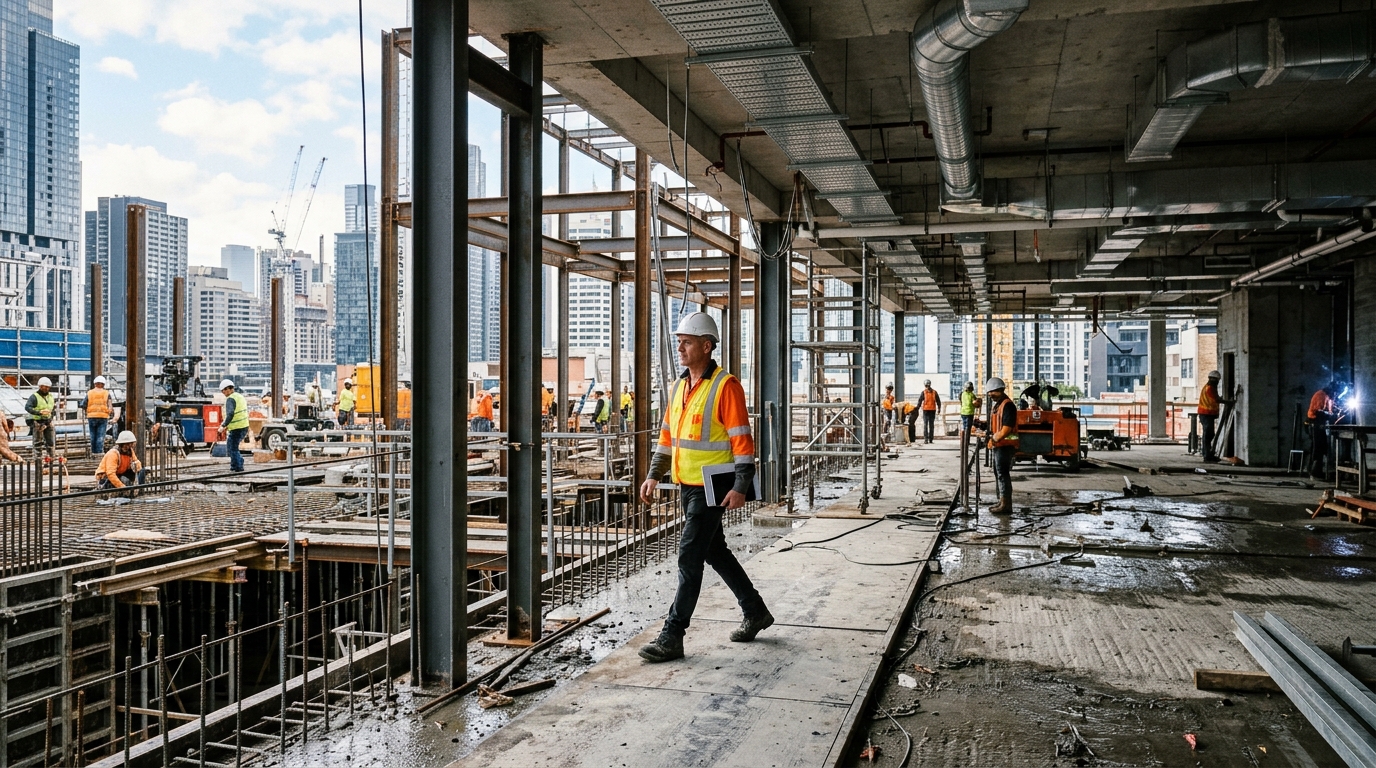
Inspecting active structural bays and overhead chilled-water pipe runs during morning deck walk.
SX-CH-2401 · Meridian Business Park · CSI 23-050
Inside the walkthrough
See how field observations, photos, and team communication come together in this example.
Follow the superintendent through an active work area and see how a site observation starts with its location and project context.
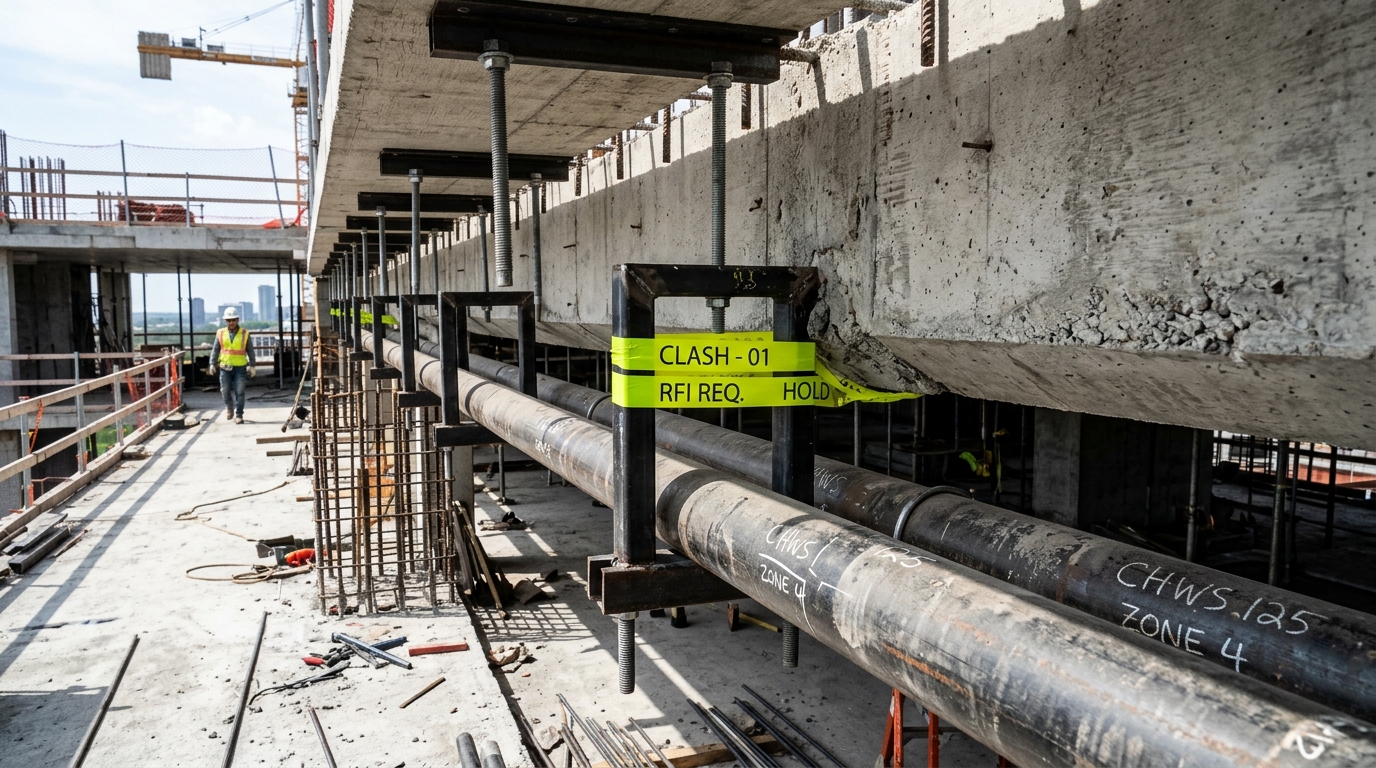
The walkthrough highlights a pipe hanger clash, showing how a field team can describe the condition and flag it for review.
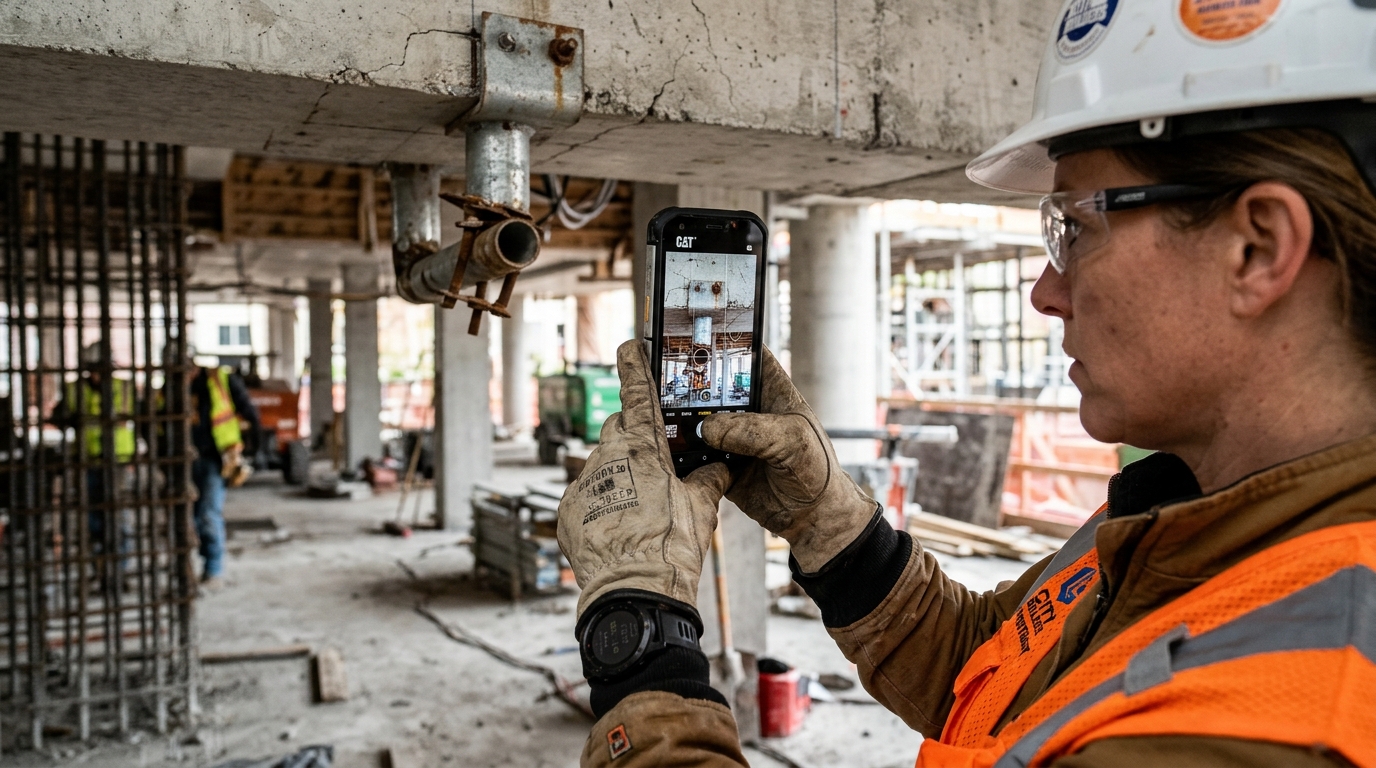
A site photo gives the office and trade partners a clearer view of the issue alongside its location and related details.
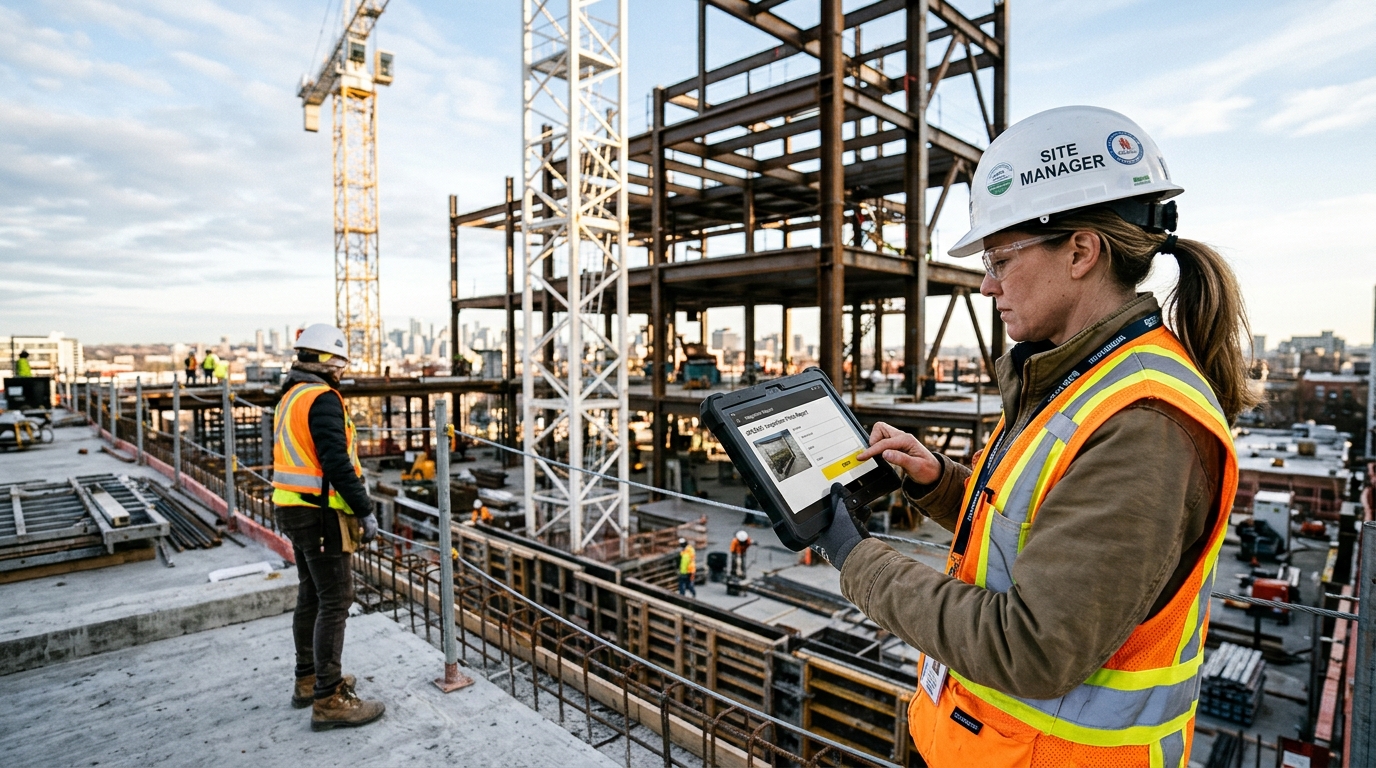
See the example update reach the office, where the team can discuss next steps and consider potential cost and schedule impacts.